lotus labs
AI-Powered Updates Coming Soon to Your Favorite Apps



Slack: SlackGPT
SlackGPT is a new chatbot for Slack that can help users with a variety of tasks, such as finding information, scheduling meetings, and generating creative content. Powered by OpenAI's GPT-3 language model, SlackGPT will help you work smarter, learn faster, and communicate better. Each time you log in, you will be able to quickly get up to speed with one click as the AI technology can summarize all of a channel’s unread messages into a brief summary. SlackGPT also has the ability to automate emails or messages based on the audience further increasing daily productivity. Additionally, with AI assistance built natively into Slack’s message composer and canvas, Slack GPT can also help you tweak your drafts until perfection. With a few clicks, you can create content or adjust the tone at any point in your writing with options to shorten, elaborate, or change the tone.
Grammarly: GrammarlyGO
GrammarlyGO is a new mobile app available for iOS and Android devices that uses AI to help users with grammar, spelling, and punctuation. GrammarlyGO brings the power of generative AI to the Grammarly experience, providing assistance across the digital spaces you write in most. There are a variety of ways to use GrammarlyGO as it can keep track of the context of your writing as well as your preferred writing style while offering suggestions. You can accelerate your writing process by prompting GrammarlyGO with basic instructions to conceive polished drafts. You can simplify rewriting by inputting your written text into GrammarlyGO and letting the app offer different versions of your original ideas. Finally, you can facilitate brainstorming as GrammarlyGO can generate any idea or structure straight to the page you are already on. While users will be able to input 100 prompts per month into GrammarlyGO for free, they will need the premium version for more monthly inputs.
Zoom: ZoomIQ
The purpose of Zoom IQ is to be a smart companion that empowers collaboration and unlocks people’s potential by summarizing chat threads, organizing ideas, drafting content for chats, emails, and whiteboard sessions, and creating meeting agendas. As a result, this AI- add-on has many notable features such as being able to analyze meeting recordings and provide insights into how meetings are being run. This information can then be used to improve meeting performance and productivity. If you have to join a Zoom meeting late, you can simply ask Zoom IQ to summarize what you have missed in real-time and even ask further questions. If you need to create a whiteboard session for your meeting, Zoom IQ can generate it based on text prompts. If you need an additional perspective for a Zoom chat, you can use Zoom IQ to compose messages based on the conversational context. With its new AI innovations, Zoom appears to be poised for further growth.

Discover 3 AI tools that are useful for any professional including those for productivity automation and data analysis
65e0e1dcb09181168356dc07
lotus labs
© 2026 LOTUSLABS All rights reserved.


AI-Powered Updates Coming Soon to Your Favorite Apps
Slack: SlackGPT
SlackGPT is a new chatbot for Slack that can help users with a variety of tasks, such as finding information, scheduling meetings, and generating creative content. Powered by OpenAI's GPT-3 language model, SlackGPT will help you work smarter, learn faster, and communicate better. Each time you log in, you will be able to quickly get up to speed with one click as the AI technology can summarize all of a channel’s unread messages into a brief summary. SlackGPT also has the ability to automate emails or messages based on the audience further increasing daily productivity. Additionally, with AI assistance built natively into Slack’s message composer and canvas, Slack GPT can also help you tweak your drafts until perfection. With a few clicks, you can create content or adjust the tone at any point in your writing with options to shorten, elaborate, or change the tone.
Grammarly: GrammarlyGO
GrammarlyGO is a new mobile app available for iOS and Android devices that uses AI to help users with grammar, spelling, and punctuation. GrammarlyGO brings the power of generative AI to the Grammarly experience, providing assistance across the digital spaces you write in most. There are a variety of ways to use GrammarlyGO as it can keep track of the context of your writing as well as your preferred writing style while offering suggestions. You can accelerate your writing process by prompting GrammarlyGO with basic instructions to conceive polished drafts. You can simplify rewriting by inputting your written text into GrammarlyGO and letting the app offer different versions of your original ideas. Finally, you can facilitate brainstorming as GrammarlyGO can generate any idea or structure straight to the page you are already on. While users will be able to input 100 prompts per month into GrammarlyGO for free, they will need the premium version for more monthly inputs.
Zoom: ZoomIQ
The purpose of Zoom IQ is to be a smart companion that empowers collaboration and unlocks people’s potential by summarizing chat threads, organizing ideas, drafting content for chats, emails, and whiteboard sessions, and creating meeting agendas. As a result, this AI- add-on has many notable features such as being able to analyze meeting recordings and provide insights into how meetings are being run. This information can then be used to improve meeting performance and productivity. If you have to join a Zoom meeting late, you can simply ask Zoom IQ to summarize what you have missed in real-time and even ask further questions. If you need to create a whiteboard session for your meeting, Zoom IQ can generate it based on text prompts. If you need an additional perspective for a Zoom chat, you can use Zoom IQ to compose messages based on the conversational context. With its new AI innovations, Zoom appears to be poised for further growth.
Get ready for AI-powered updates coming soon to your favorite apps with enhanced features smarter recommendations and improved user experiences
65e0e1dcb09181168356dc08
lotus labs
© 2026 LOTUSLABS All rights reserved.

Decoding the PDF Maze: A Definitive Guide to Extracting Data from Textual and Scanned Documents with a Real-World Project
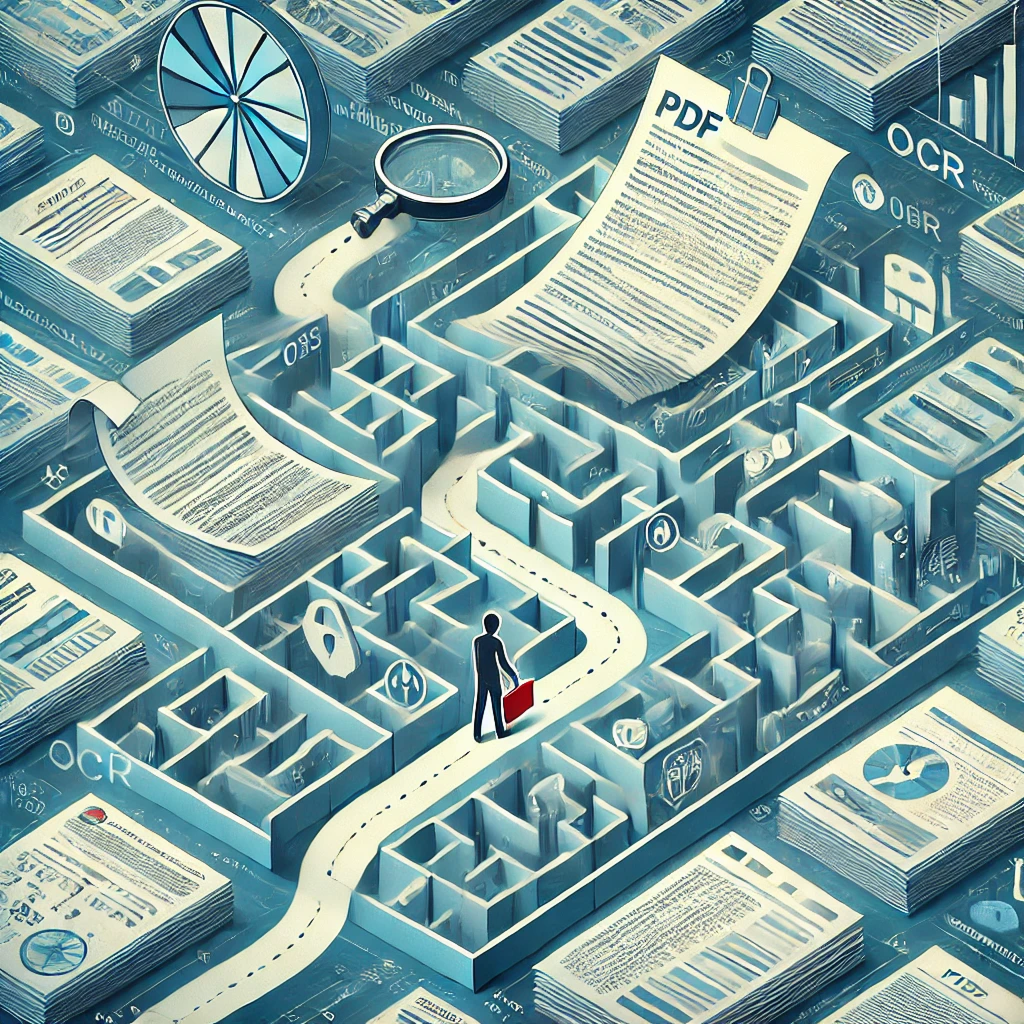
In the world of modern automation, PDFs are both a treasure trove and a technical trap. They contain invoices, contracts, insurance forms, bank statements, and other documents brimming with information critical to decision-making. But this information doesn’t give itself up easily. PDFs weren’t designed to be friendly to machines. They were made to look good and stay consistent. PDFs carry text, tables, images, etc. PDFs are popular for maintaining layout consistency across platforms, but are not designed for easy text extraction.
Based on our required use case and the nature of PDF, it is very important to build a PDF data extraction strategy.
So, how do you extract structured data from them, whether it’s a neatly typed digital PDF or a scanned copy of a form filled by hand?
In this article, we discuss the art and science of extracting desired fields from any kind of PDF, using a clever mix of regex, NLP, LLMs, OCR, and more. If you’ve ever been frustrated staring at a PDF, unsure where to begin, this guide will show you the path.
First Things First: What Type of PDF Are You Dealing With?
Before diving into code or tools, ask one question:
“Can I select the text in the PDF?”
- If yes, it’s a text-based PDF—and you can work with its contents directly.
- If not, it’s a scanned PDF—essentially an image—and you’ll need OCR to even begin.
The Text-Based PDF: Where Words Are Accessible
For text-based PDFs, your job is easier, but not necessarily simple. The content may be hidden in weird layouts, inconsistent formatting, or embedded in multiple columns. Still, you can directly access the raw text.
Your Tools:
- Regular Expressions (Regex)
- Best for predictable patterns: dates, policy numbers, email addresses, etc.
- Example: r"POLno:\d{6}" to find insurance policy numbers.
- Rule-based NLP
- Use spaCy or nltk to extract named entities like names, organizations, dates, email, phone numbers, and geographical locations.
- Combine pattern matching with syntactic dependencies for high precision.
- Large Language Models (LLMs)
- Use GPT-based models with their API with frameworks such as Langchain, Llamindex, etc. for human-like understanding.
- Prompt the model with various inputs for all the required fields and store the result in a JSON-like structure
- Great for documents with inconsistent layouts or multi-line fields.
The Scanned PDF: When the Document is Just an Image
This is where things get messy—and interesting. Since there’s no accessible text, you must convert pixels into words using OCR (Optical Character Recognition).
Run OCR
Popular tools:
- Tesseract OCR or easyocr (open source)
- Google Vision API
- AWS Textract
- Azure Form Recognizer
These tools scan each image and return text, either in raw form or as words bounded by coordinates.
Choose Your Extraction Strategy
1. Coordinate-based Extraction (for fixed-layout forms)
- Use OCR outputs with bounding boxes.
- Example: Extract the rectangular field at position (x1,y1,x2,y2) on the page.
- Ideal for structured forms with constant dimensions like invoices, tax documents, and ID cards.
2. Full-page Text Extraction + NLP (for flexible layouts)
- Treat the OCR output as plain text.
- Then apply regex, rule-based NLP, or LLMs to extract fields.
- Use this when layouts vary across documents.
Improving OCR Accuracy for better results:
OCR isn’t magic, and it does not always get the exact text from the image. It’s highly sensitive to image quality. A fuzzy scan or a misaligned form can lead to poor results. Here’s how to sharpen your edge:
Techniques:
- Increase DPI: Convert PDFs to images with at least 300 DPI.
- Preprocessing with OpenCV:
- Grayscale conversion
- Thresholding (binarization)
- Noise reduction
- Edge sharpening
- Set OCR Engine Modes:
- Use Tesseract’s --psm and -l flags to tune OCR parsing and language.
These minor improvements can drastically boost accuracy and reduce post-processing efforts.
Building the Extraction Pipeline:
Whether you're handling contracts or claim forms, here's a universal playbook:
Step 1: Identify the PDF type (text-based or scanned)
Step 2: Extract raw text
- For text PDFs: Use PyPDF2 or pdfminer
- For scanned PDFs: Use pdf2image + OCR
Step 3: Choose the extraction technique
- For fixed forms: Coordinate-based extraction
- For variable layouts: Full-page NLP or LLMs
Step 4: Clean and normalize extracted text
Step 5: Store in structured format (CSV, JSON, or database)
Recommended Tech Stack
- PDF parsing: PyPDF2, pdfminer.six,pdfplumber
- OCR: pdf2image, pytesseract,easyocr
- NLP: spaCy, re, transformers, OpenAI’s GPT API
- Preprocessing: OpenCV, Pillow
Brief walkthrough of our real-world project:
When a leading insurance broker approached us, they had a specific challenge:
“Extract critical fields from customer-submitted forms that came in two distinct templates from two different insurance providers.”
At first glance, it seemed simple; most forms were digitally generated and text-based. But real-world data is rarely predictable. Some forms were scanned copies, some had poor resolution, and others had minor layout variations. The broker needed an automated, accurate, and scalable solution to populate form fields directly into their web application.
Here’s how we solved it.
Understanding the Problem
We began with a technical assessment and discovered:
- Two fixed-format templates, one from each insurance provider.
- Most PDFs were text-based, but a portion in future may also require OCR.
- Accuracy was paramount, as the extracted fields fed into customer-facing tools.
Building Dual Extraction Pipelines
We designed separate scripts for each insurance company, tailored to their specific template.
For Text-Based PDFs:
We used powerful PDF parsing libraries like:
- PyMuPDF and pdfplumber for precise, page-level text extraction.
Once the text was extracted, we applied:
- Regex-based pattern matching for fields like policy numbers, premium amounts, customer names, etc.
- Anchor-based logic, using surrounding keywords to improve robustness.
For Scanned PDFs:
We built an OCR pipeline that included:
- Image conversion using pdf2image
- Image preprocessing with OpenCV (e.g., sharpening, binarization)
- OCR via Tesseract, with configurable PSM (Page Segmentation Mode)
Our scripts processed entire pages or defined regions, depending on where the fields were located and the consistency of the OCR output. For example, when the phone number of the customer exhibited inconsistency, we noted down the coordinates of the phone number section to extract it from the page image.
Tackling OCR Inconsistencies
While our text-based extraction yielded highly accurate results across 100+ documents in under 10 seconds, OCR-based extraction posed a few hurdles.
Some challenges we faced:
- Anchor drift: OCR misreads caused regex anchors to fail.
- Text noise and artifacts: Poor scan quality reduced accuracy.
How we solved it:
- Tuned Tesseract’s psm settings for better page interpretation.
- Applied image sharpening and noise reduction to improve character clarity.
- Introduced fallback regex patterns, so if the primary pattern failed, a secondary or contextual one would kick in.
This hybrid fallback strategy made the OCR pipeline more resilient and significantly improved the reliability of field detection.
Seamless Integration with the Client’s Platform
Once our extraction scripts were tested and validated, we:
- Deployed the scripts as AWS Lambda functions.
- Connected them to the client’s web application backend.
- Ensured that each time a PDF was uploaded, the corresponding Lambda function would auto-extract the required fields and populate them in the UI in real time.
Why We Didn't Use LLMs
Given the fixed nature of the templates and the need for ultra-fast performance and cost-efficiency, we opted not to use large language models. Instead, our rule-based approach delivered speed, accuracy, and full control without the overhead of prompt tuning or token limits.
Our final observations and implementation
- Accuracy: Near-perfect extraction for text-based PDFs; high reliability for scanned forms with fallback handling.
- Speed: Average processing time per PDF : approximately 0.1 seconds for just textual PDF and approximately 1.8 seconds for scanned PDF
- Scalability: Serverless architecture via AWS Lambda ensures cost-effective scaling.
- Client Impact: Significant time savings, improved form-processing workflow, and enhanced customer experience by improving key metrics for faster sales and customer operations.
Final Thoughts: Turning Unstructured Chaos into Actionable Gold
PDFs may look static and unfriendly to code, but with the right techniques, you can make them talk. From structured invoices to hand-scanned forms, every document hides stories you can automate if you know how to listen.
The key lies in recognizing the nature of the document, choosing the right approach, and fine-tuning your tools. Whether you’re building a claims engine, a document search bot, or a compliance pipeline, mastering PDF extraction is your superpower.
Next time you open a PDF, don’t just read it, decode it!
To work on similar and various other AI use cases, connect with us at
To work on computer vision use cases, get to know our product Padme
Decoding the PDF Maze: A Definitive Guide to Extracting Data from Textual and Scanned Documents with a Real-World Project
68218de8ef91b5c1f4303658